

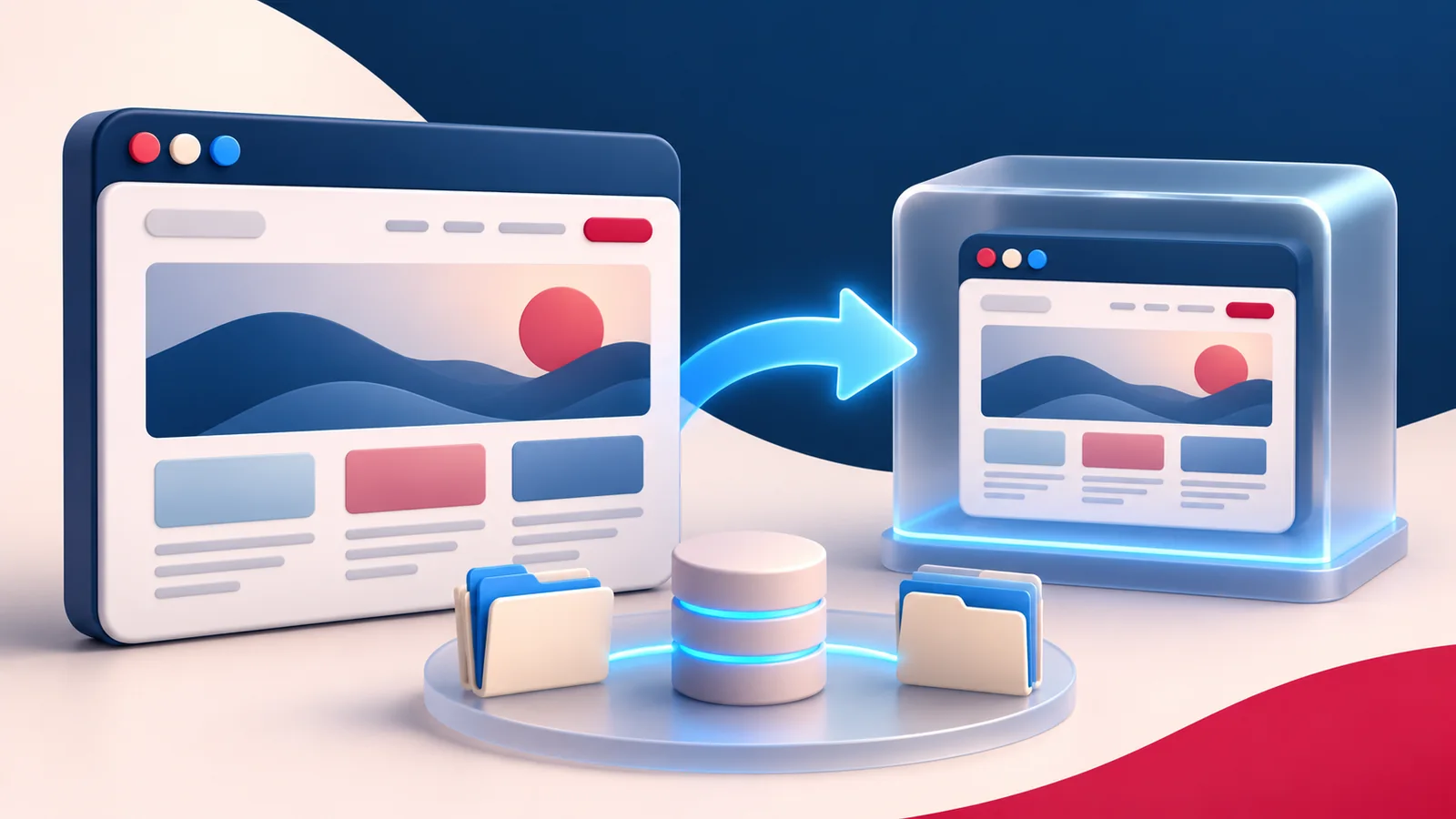
WordPress Playground Reprint offers another way to investigate a website change using a copy rather than experimenting directly on the live installation. For a site owner, the useful question is not simply whether a tool can clone a site. It is whether that copy is suitable for the decision you are trying to make, and whether its data is handled responsibly.
What changed in 2026
The November 2026 WordPress developer update highlights Reprint as a way to bring a live site into Playground, including files and database data. The Reprint handbook describes how copying works and where its limits matter. Browser-based testing and hosting are different environments, so a successful browser demonstration should not be treated as proof that every production integration will behave the same way.
Source: Reprint internals and handbook. News context checked November 15, 2026.
1. Choose a question for WordPress Playground Reprint
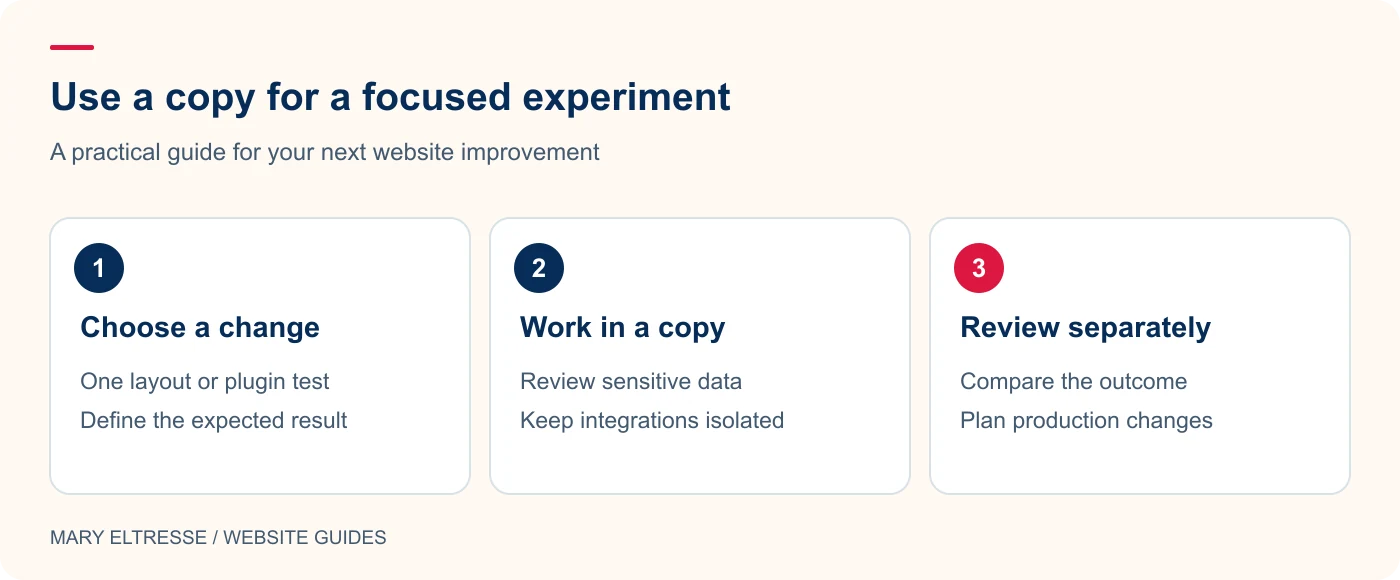
Start with a specific task: reproducing an editor warning, checking a plugin setting, reviewing a layout, or demonstrating a bug. Write down the expected result before creating the copy. This keeps a quick test from becoming an unfocused migration project. If the issue depends on a particular web server, payment gateway, scheduled task, or hosting cache, plan a second check in an environment that matches those dependencies. The right test tool depends on the question, not on how impressive the cloning process looks.
2. Treat the copied database as real data
A test copy may include user accounts, form submissions, customer information, and saved integration settings. Decide who can access the copy and what should be removed before it is shared. Do not distribute exports casually in support tickets or public repositories. Use a minimal reproduction when a full customer database is unnecessary. For a membership website, review protected content and account details together; replacing a logo or changing the site address does not make sensitive records anonymous.
Example: Hypothetical example: A client wants to compare two page layouts. Use a permitted site copy to test the layout change, then compare the same page at desktop and mobile widths. Review what files and database information the copy contains before sharing it. Treat the copied content as website data, even when the environment is temporary.
3. Record the differences from production
Make an environment note that covers PHP, database behaviour, file access, outbound connections, and caching. Mark any workflow you cannot verify realistically in the browser. For example, a layout check may be straightforward while an external callback needs a different setup. Avoid describing an untested function as broken merely because a service cannot reach the copy. Keep the result precise: this template saves correctly in this environment, while the payment callback remains outside the test scope.
4. Build a small, repeatable comparison
Open the same page before and after the proposed change. Check mobile layout, keyboard access, image loading, and the specific interaction you intended to improve. Capture the relevant settings and error messages without exposing credentials. If the change is code, keep it in version control so you can explain what was tested. My questions to ask before adding another plugin are useful here: define the problem, compare alternatives, and identify who will maintain the result afterwards.
Example: Hypothetical example: A plugin works in the browser-based copy but fails on the host. Check differences in PHP support, server services, filesystem access, and external connections before concluding the host is faulty. Record the successful experiment, then verify the change in a staging environment that more closely matches production.
5. Finish with a controlled handoff
Write down which changes should be moved back to the development workflow and which were only experiments. Do not replace a live store database with an old test copy just to transfer a small design change. Choose a deployment method appropriate to the work, then remove exports or temporary access that are no longer needed. A successful WordPress Playground Reprint experiment ends with a clearer decision and a clean handoff, not another forgotten copy containing private data.
Your practical checklist
- State the question the copied site needs to answer.
- Review private records and saved integration credentials.
- Document differences between the copy and the live host.
- Use the same test steps before and after a change.
- Transfer only the intended code or configuration changes.
- Remove temporary exports and record the final decision.
Frequently asked questions
Does a browser copy replace a complete staging environment?
It depends on the workflow. It can be useful for demonstrations and isolated checks, but production-specific server behaviour and integrations may require a closer hosting match.
Should I share the full copied database with a developer?
Only when it is necessary and you have an appropriate secure process. Prefer a reduced, sanitised reproduction that contains the information needed to investigate the problem.
Make your next website improvement count
Need help choosing between a browser test, Docker, and hosted staging? Contact Mary Eltresse to plan a WordPress Playground Reprint workflow around your actual website needs.